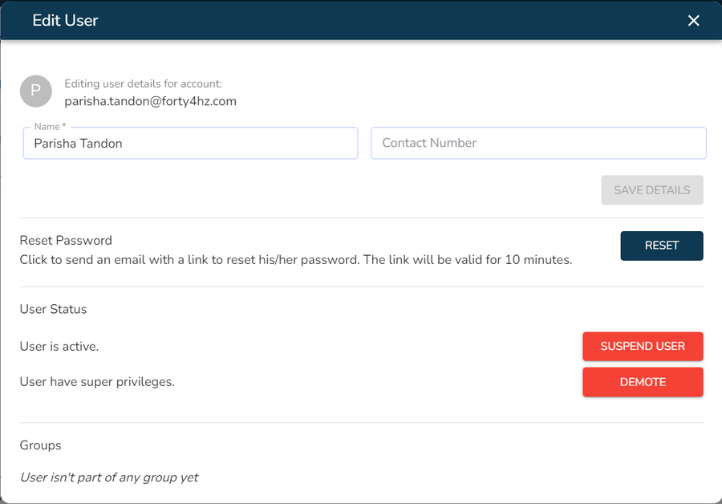
How to edit a user
Learn how to edit a user’s information.
Last updated July 22, 2024
Watch our step-by-step video tutorial on how to change a user's information, or follow the steps given below.
Steps:
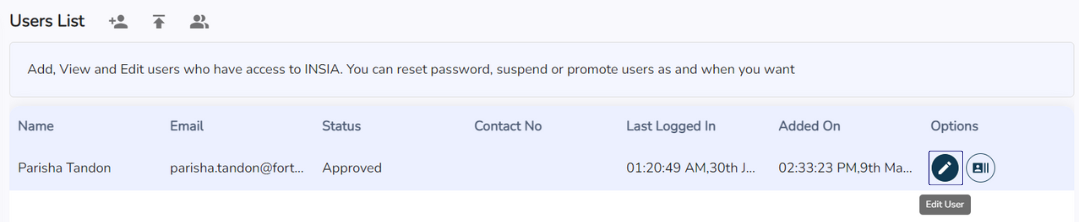
To edit a user's details, click on the pencil icon present on the right end of the row displaying user information on the Users List. A pop-up box will appear.
2. You can then update the user’s name, contact information, user status, superuser status, and the groups to which the user belongs.